
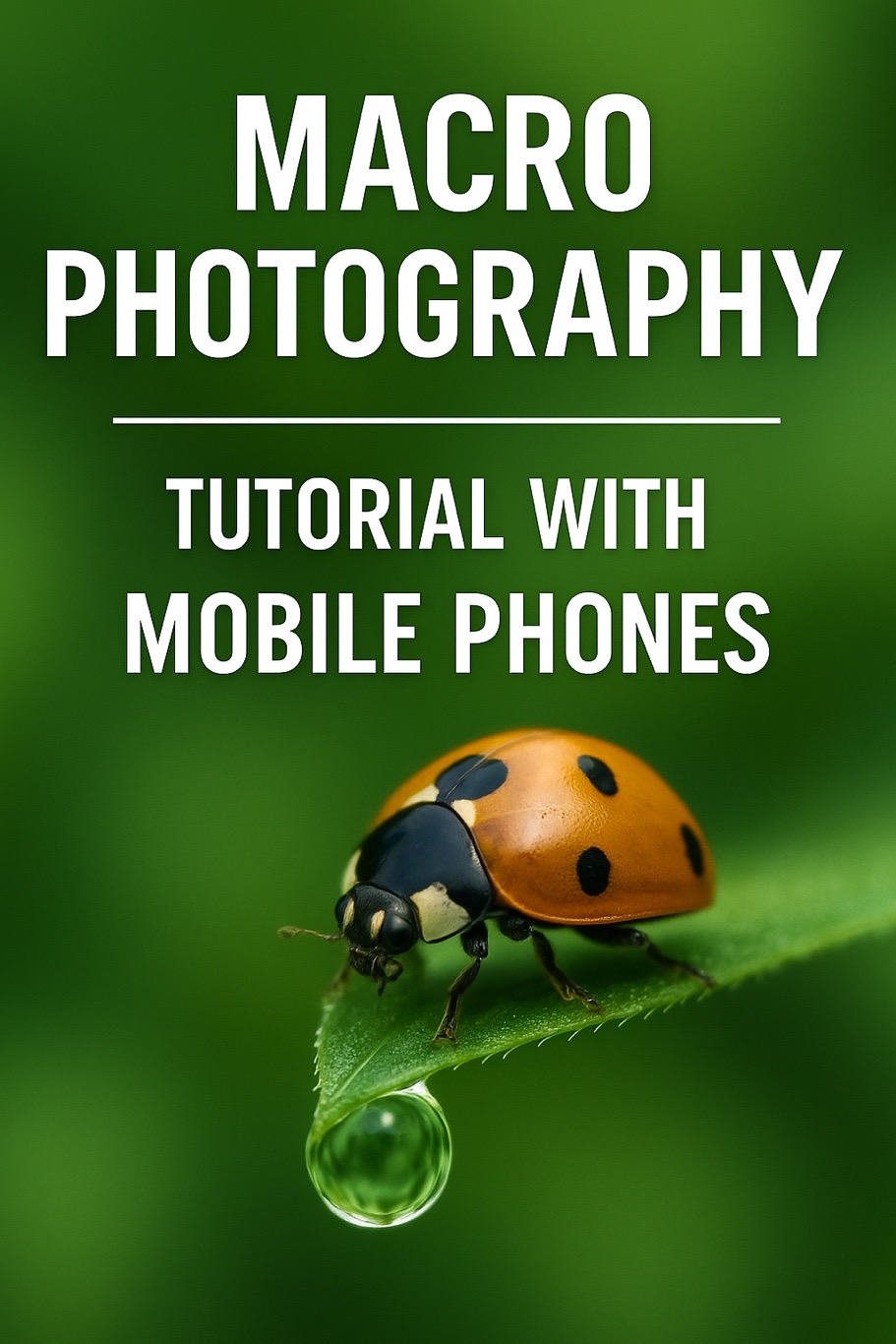
Have you ever crouched down to observe a tiny insect, only to find that its wings shimmer with glass-like patterns? Or spotted a glistening dewdrop clinging to the tip of a leaf in the early morning, and wished you could capture that fleeting moment forever?
These glimpses into the microscopic world are already astonishing to the naked eye. But when you photograph them using macro photography, you’ll discover an entire miniature universe waiting to be explored.
Many people shy away the moment they hear the term “macro photography,” assuming it’s a craft reserved for professionals. But that’s not true. With just a smartphone, a simple clip-on macro lens, a bit of patience, and a keen eye for detail, anyone can create jaw-dropping macro images.
What Is Macro Photography?
Macro photography — also known as micro photography — is, simply put, the art of getting really close. It allows us to see the intricate details that our eyes often miss: the patterned eyes of insects, tiny pollen grains on a flower’s stamen, or the rugged texture of rusted iron.
Macro photography isn’t just about documentation — it’s about reintroducing ourselves to the wonders of the world around us.
Can You Really Do Macro Photography with a Phone?
Absolutely! While smartphones aren’t as advanced as DSLRs, many now come equipped with decent camera sensors. They’re affordable, portable, and when paired with a clip-on macro lens, are powerful enough to get you started with macro photography.
You can purchase ready-made smartphone macro lenses, or take the DIY route. Some enthusiasts repurpose lenses from old digital cameras or laser pointers, and attach them using simple clips.
Before You Shoot: Prepare the Essentials
1. Smartphone and Macro Lens
You don’t need a flagship device. Any phone that allows manual controls will do. As for lenses, you can buy one online or DIY one with guides easily found on the internet.
2. Stabilization Tools
You can shoot handheld, but if you want crisp results, use a mini tripod, books, or even a backpack to stabilize your phone. If you’re serious, consider getting a macro focusing rail for precise adjustments — though it’s more of an investment.
3. Lighting Conditions
Natural light is ideal, especially the soft light at dawn or dusk. For indoor shooting, use softboxes, diffusers, or DIY solutions like baking paper. Avoid harsh or direct light.
Step-by-Step Shooting Guide
Step 1: Attach the Lens
Align the macro lens precisely with your phone’s main camera. Misalignment can cause blur or distortion.
Step 2: Find Your Subject
Great subjects are everywhere — your balcony, the park, a corner of the alley, or even next to the laundry basket. Look for insects, flowers, dew, water droplets, rust, or even a single thread of yarn.
Step 3: Get Comfortable
Since you’ll be close to your subject, your posture matters. You might kneel, lie down, lean against a wall, or sit on the floor — whatever helps steady your hands. When shooting low, I brace my knees to the ground and rest my arms on my thighs. For higher subjects, I stabilize my elbows against a wall.
Step 4: Compose Your Shot
Experiment with angles — side views, low angles, top-down — to highlight the most interesting details. Use the rule of thirds or diagonal compositions to add narrative and flow to your image.
Step 5: Focus Like a Pro
This is crucial. Use manual or pro mode if your phone supports it. Move the phone back and forth slowly to find sharp focus. Avoid autofocus — it often jumps around and ruins the moment.
Step 6: Avoid Flash and Digital Zoom
Flash can create harsh reflections and destroy natural tones. Digital zoom degrades image quality — it’s better to get physically closer instead.
Step 7: Breathe and Press
Control your breathing, and gently press the shutter or use a timer to minimize shake. The lighter your touch, the better.
Step 8: Take Several Shots
Don’t settle for one. Take 10, 20, or more. Since the focus area is razor-thin, only a few might be perfectly sharp. Be patient and try different angles.
Post-Processing: Subtle Touches Go a Long Way
Once you’ve got your shots, feel free to make light edits to bring out the details. Recommended apps:
- Lightroom Mobile (powerful and free)
- Snapseed (from Google, beginner-friendly)
Adjustments you can make:
- Contrast and brightness
- Sharpness
- Noise reduction
- Color saturation and white balance
If you’re feeling ambitious, explore Focus Stacking — a method where you take multiple shots at different focus points and merge them using software like Helicon Focus. It requires 30–50 shots per subject, but the result is a fully focused macro image from edge to edge.
Pro Tips & Gentle Reminders
- Focus distance: The optimal distance for my lens is 2–3 cm, but this varies by brand.
- Lighting is everything: Natural light is your best friend — avoid shooting in low light.
- Avoid wind: Even a light breeze can cause your subject to move, ruining focus.
- Be creative: Macro isn’t just for nature — try photographing man-made objects or miniature models too.
Final Thoughts: A World Awaits
Macro photography is more than just a style — it’s a new way to observe life. Once you start noticing the nearly invisible details around you, you’ll see how magical the everyday world truly is.
So pick up your phone, clip on that lens, and head to your balcony, backyard, or beneath a tree. You’ll be amazed to discover: the miracles were always there — we just needed to slow down and look closer.
Happy shooting, and welcome to the world of mobile macro photography!
發佈留言